

Migration guide
Leave YNAB. Keep everything.
Moving years of budget history is the part everyone dreads. It's also the reason ihabhas a real importer instead of a “start from scratch” onboarding flow — your history is the whole point of an envelope budget.
- 1
Export your YNAB budget
In YNAB, open Account Settings → Export Budget Data. This downloads your full budget history as CSV files — no API key, no OAuth, just a file you control.
- 2
Import into ihab
Open ihab and import the file. Accounts, categories, payees, and your complete transaction history come in as one pass — no retyping years of history by hand.
- 3
Review & keep going
Skim the import summary, spot-check a few accounts, and pick up your budget exactly where YNAB left off.
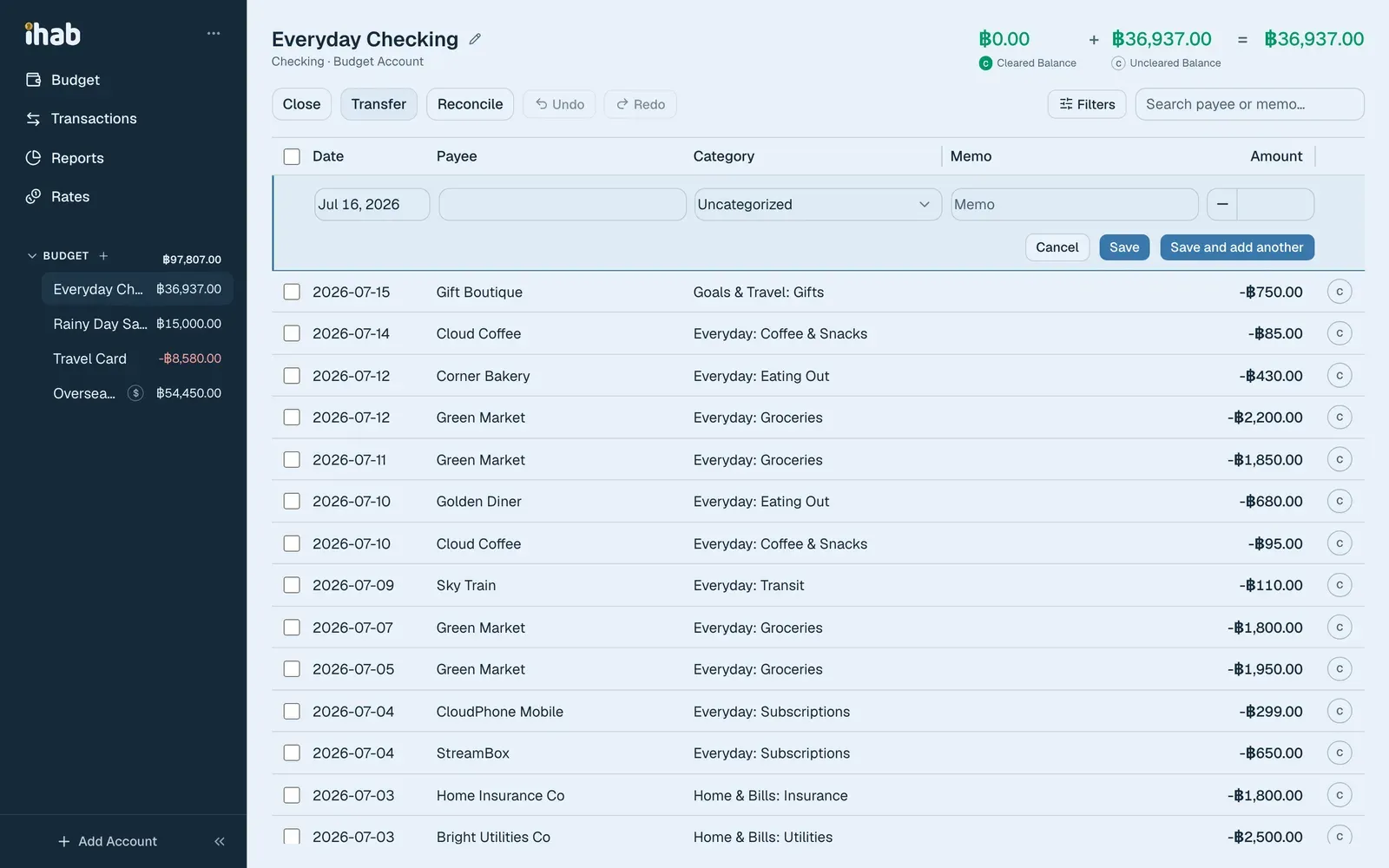
What carries over
- –Accounts and their balances
- –Categories → envelopes, including monthly assignments
- –Full transaction history, splits, and transfers
- –Payees
- –Native-currency amounts on foreign accounts
- –Loan accounts, with balances intact
If ihabcan't map something with confidence — an account it doesn't recognize, for instance — the import fails loudly and tells you what needs a look, rather than guessing silently and leaving you to find the mistake months later.
Ready to bring your budget over?
Export from YNAB, then open ihab and import — most budgets move in minutes.
And the door swings both ways: ihab exports in YNAB's own format too, so leaving is never harder than arriving was.